Getting Started with cURL
A very simple guide to sending messages to the internet from the terminal window.
Full-stack developer and startup founder building tech solutions in Ayodhya. Vlogger with 27k+ followers sharing my journey in technology and SaaS.
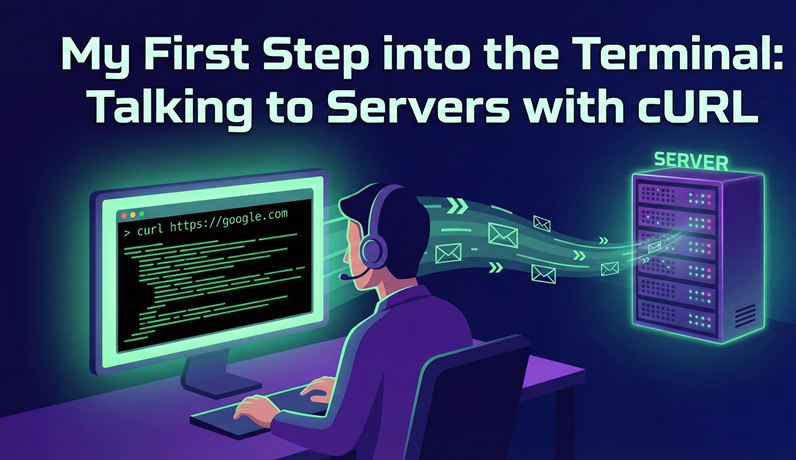
My First Step into the Terminal: Talking to Servers with cURL
What is a Server and Why Do We Need to Talk to It?
A server is a type of computer that is always on and waiting for requests from others. For example, when you open a website on your phone, your phone sends a request to that website's server. The server understands the request and sends the data back to you, allowing you to view the website.
When we use the internet and need information, such as to open a website, send an email, or search for something, all of these tasks require connecting to a server.
What is cURL?
cURL is a command-line tool that allows you to transfer data over the Internet. In simpler terms, it lets you retrieve information from websites and also send data to them.
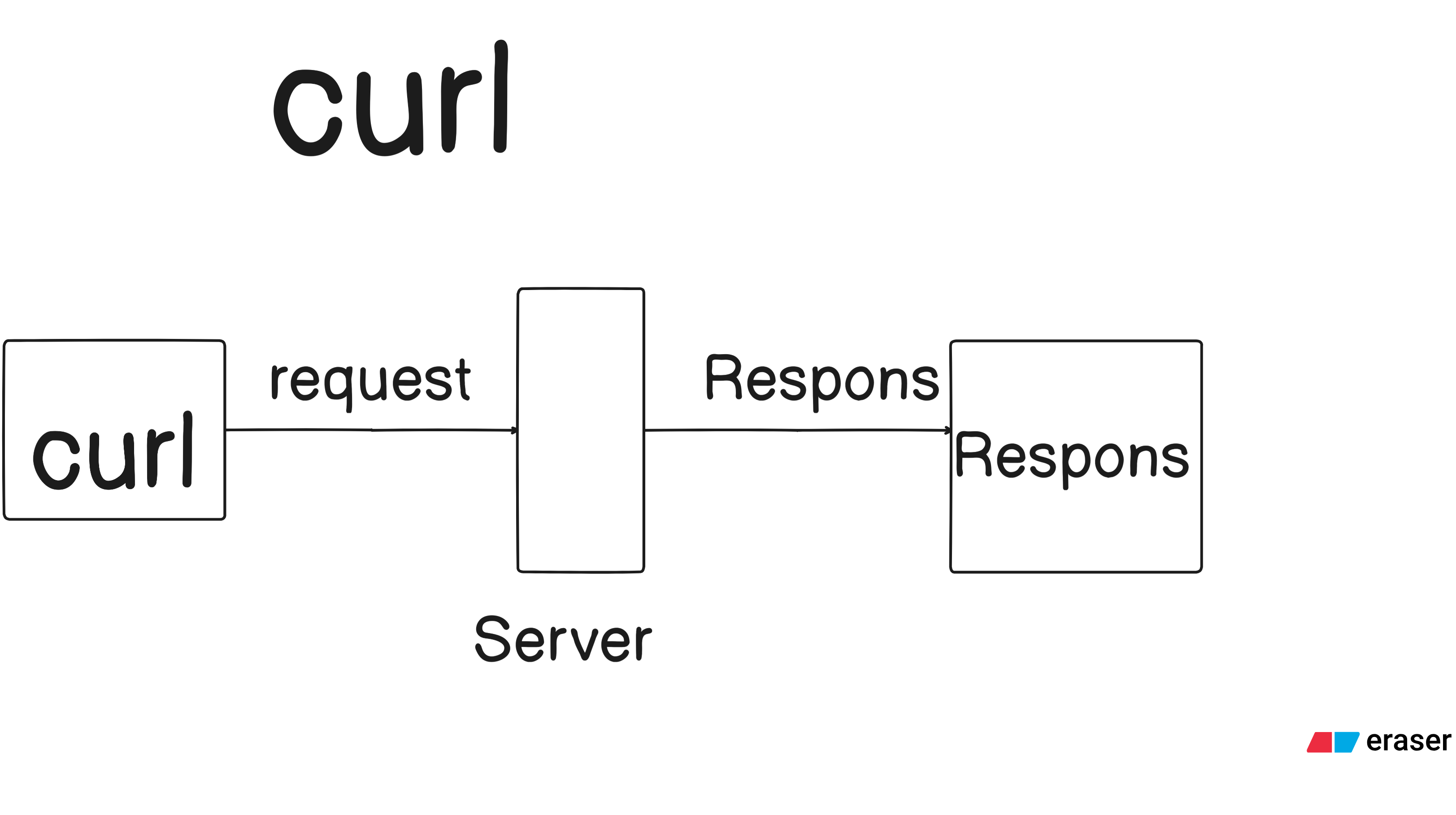
The cURL works on three main functions: first, sending the request; second, transferring the data; and third, receiving the response. cURL operates based on these three functions.
cURL provides a way to send messages or data from your terminal to a server, and it can be used with HTTP, HTTPS, FTP, and many other protocols. For example, you can use it to retrieve content from a website or send data by making API calls.
Why Do Programmers Use cURL Instead of a Browser?
Programmers use cURL because it gives them more control than a browser. They use cURL for automation testing and debugging. Additionally, cURL is better for sending programmatic requests, allowing them to create scripts and applications that can automatically transfer data.
Making Your First Request: Fetching a Webpage with One Command
Now, let's learn how we can retrieve data from any website using curl from our computer. When we type this command -
curl https://google.com
In the terminal, you are sending a message from your computer or client to Google's server asking it to send you its homepage. The server then sends you the complete HTML code, which is displayed on your terminal.
Understanding the Conversation: What are Request and Response?
When we use cURL, it is like sending a letter. The Request is the letter we write and send to the computer (server) to ask for something. The Response is the letter the server sends back to us with the answer. Inside the response, there is a Status Code (like 200 or 404) that tells us if the server is happy or if there is a problem. It is a simple "Ask and Answer" talk between two computers.
Talking to APIs: Learning How to Use GET and POST
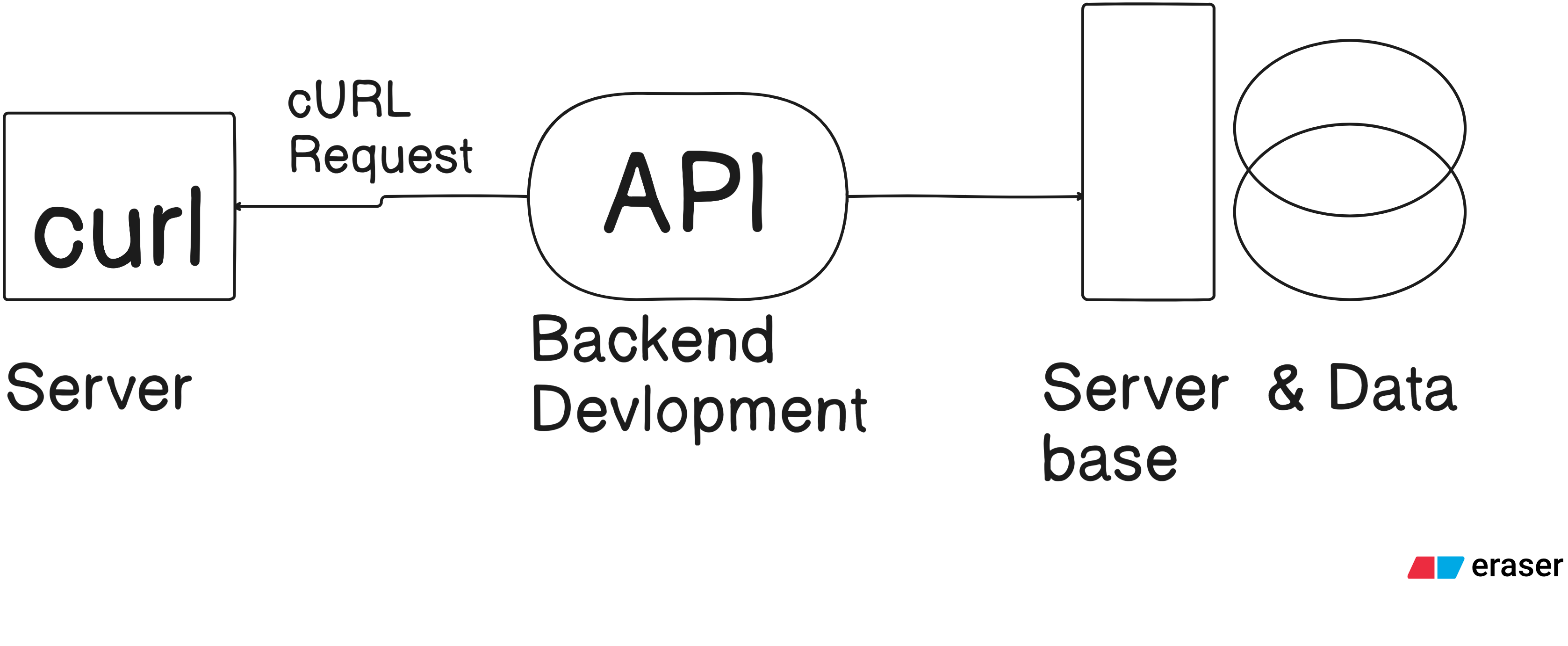
An API is like a waiter in a restaurant who takes our order to the kitchen. We use GET when we only want to "get" or read some information, like seeing a list of names. We use POST when we want to "send" or give new information to the server, like making a new account. These are the two most important ways to talk to any website or app. cURL helps us do this very fast without using a mouse.
Don’t Panic! Common Mistakes for Beginners and How to Fix Them
Many new people feel sad when they see an error, but it is okay! One big mistake is forgetting to put "http://" before the website name, so cURL gets confused. Another mistake is typing the wrong letters, because the terminal is very strict about small and big letters. If you see a "404" error, it just means the page is not there, so check your spelling. Always read the message the terminal gives you—it usually tries to help you fix the problem!


