Destructuring in JavaScript: A Simple Guide for Beginners
If you are learning JavaScript, you might have seen a big word called destructuring.
Full-stack developer and startup founder building tech solutions in Ayodhya. Vlogger with 27k+ followers sharing my journey in technology and SaaS.
Hello everyone! If you are learning JavaScript, you might have seen a big word called destructuring. It sounds like a complex math term or something from a sci-fi movie, but I promise you, it is very simple.
Today, we are going to learn exactly what destructuring means and how you can use it with arrays to make your code much cleaner.
What Does Destructuring Mean?
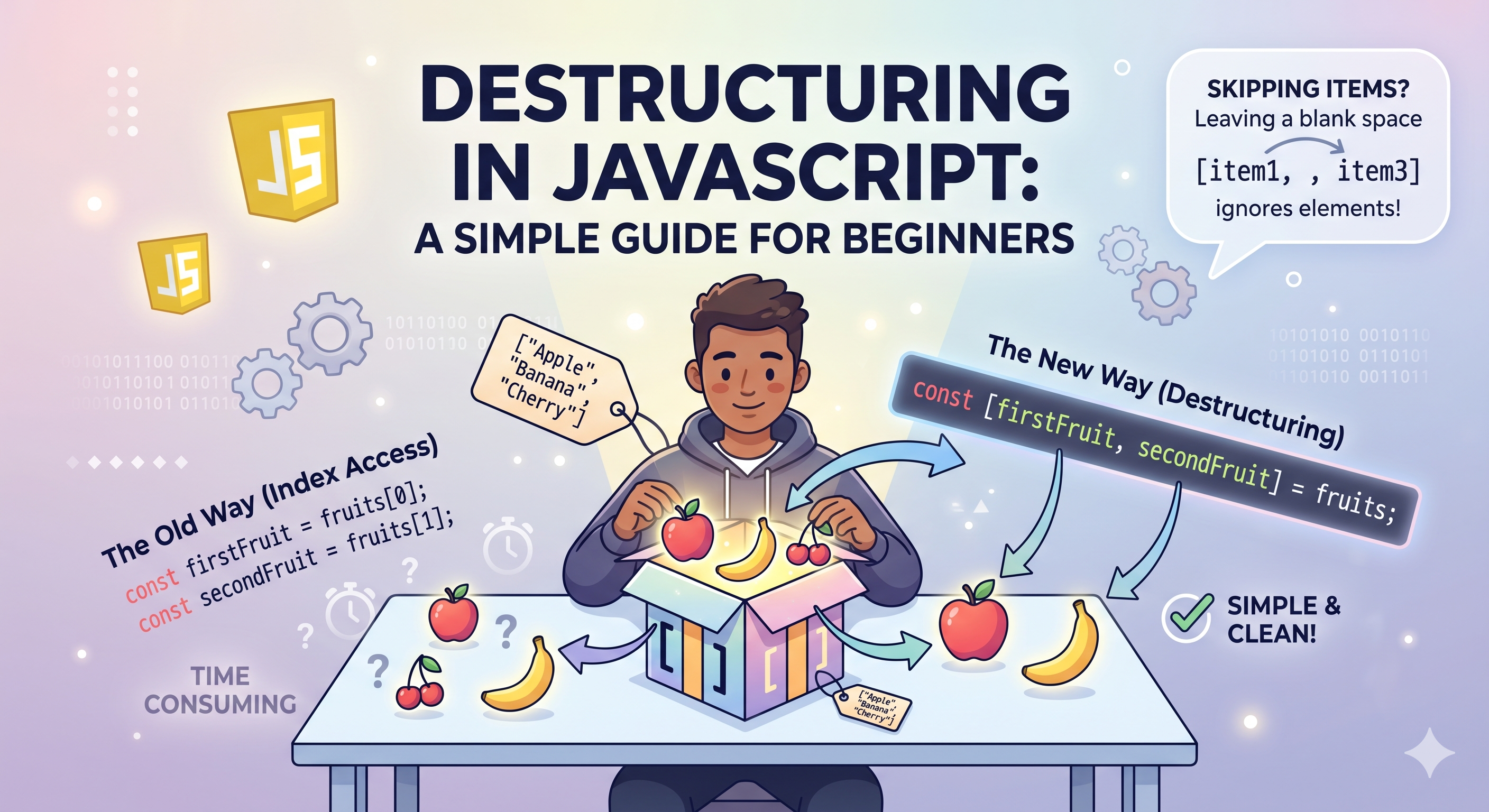
Let's imagine you have a gift box, and inside this box, there are three items: a book, a pen, and a coffee mug.
If you want to take those items out of the box and place them on your desk, you have to "unpack" them. In JavaScript, destructuring is just a fancy word for unpacking.
When we write code, our "boxes" are usually Arrays (lists of data) or Objects. Destructuring gives us a very fast and easy way to take items out of these boxes and save them into their own separate variables.
Instead of writing five lines of code to get five items out of a list, destructuring lets us do it in just one line!
Destructuring Arrays
An array is just a list of items. Let's look at a simple array of fruits:
const fruits = ["Apple", "Banana", "Cherry"];
The Old Way
Before destructuring existed, if we wanted to get the "Apple" and the "Banana" and put them into their own variables, we had to use their index numbers (their place in line). We had to write code like this:
const fruits = ["Apple", "Banana", "Cherry"];

// Getting items one by one
const firstFruit = fruits[0];
const secondFruit = fruits[1];

console.log(firstFruit);  // Prints: Apple
console.log(secondFruit); // Prints: Banana
This works fine, but it takes up a lot of space. If you have to pull out ten items, you have to write ten lines of code!
The New Way: Destructuring
With destructuring, we can do the exact same thing in just one line. We put square brackets [ ] on the left side of the equal sign to tell JavaScript, "Hey, I am about to unpack this array!"
Here is how it looks:
const fruits = ["Apple", "Banana", "Cherry"];

// Unpacking the array in one line!
const [firstFruit, secondFruit] = fruits;

console.log(firstFruit);  // Prints: Apple
console.log(secondFruit); // Prints: Banana
How does this work? JavaScript is smart. It looks at the order of the items.
It sees
firstFruitis first in your brackets, so it gives it the first item ("Apple").It sees
secondFruitis second, so it gives it the second item ("Banana").
What if we want to skip an item?
Sometimes, you don't want the first or second item. Maybe you only want the first item and the third item. You can easily skip items by just leaving an empty space between the commas!
const fruits = ["Apple", "Banana", "Cherry"];

// We leave a blank space to skip the Banana
const [firstFruit, , thirdFruit] = fruits;

console.log(firstFruit);  // Prints: Apple
console.log(thirdFruit);  // Prints: Cherry
Notice the empty space with the comma , , in the middle? That tells JavaScript to ignore the second item ("Banana") and move on to the next one.
Wrapping Up
That is it! You now know how to destructure arrays. Remember:
Destructuring just means unpacking items from a box (like an array).
You use square brackets
[ ]on the left side of the equal sign to create your new variables.It saves you from writing long, boring code.
Try practicing this in your next JavaScript project. Happy coding!


